Solink Agentic AI summit
| Tuesday, June 23 |

Table of Contents

Table of Contents

In an era where the presence of security cameras is a common sight in both public and private spaces, the question arises: Are hidden security cameras still useful for businesses? With society’s growing acceptance of video monitoring for safety and security, the necessity for concealed cameras seems to be fading into the background.

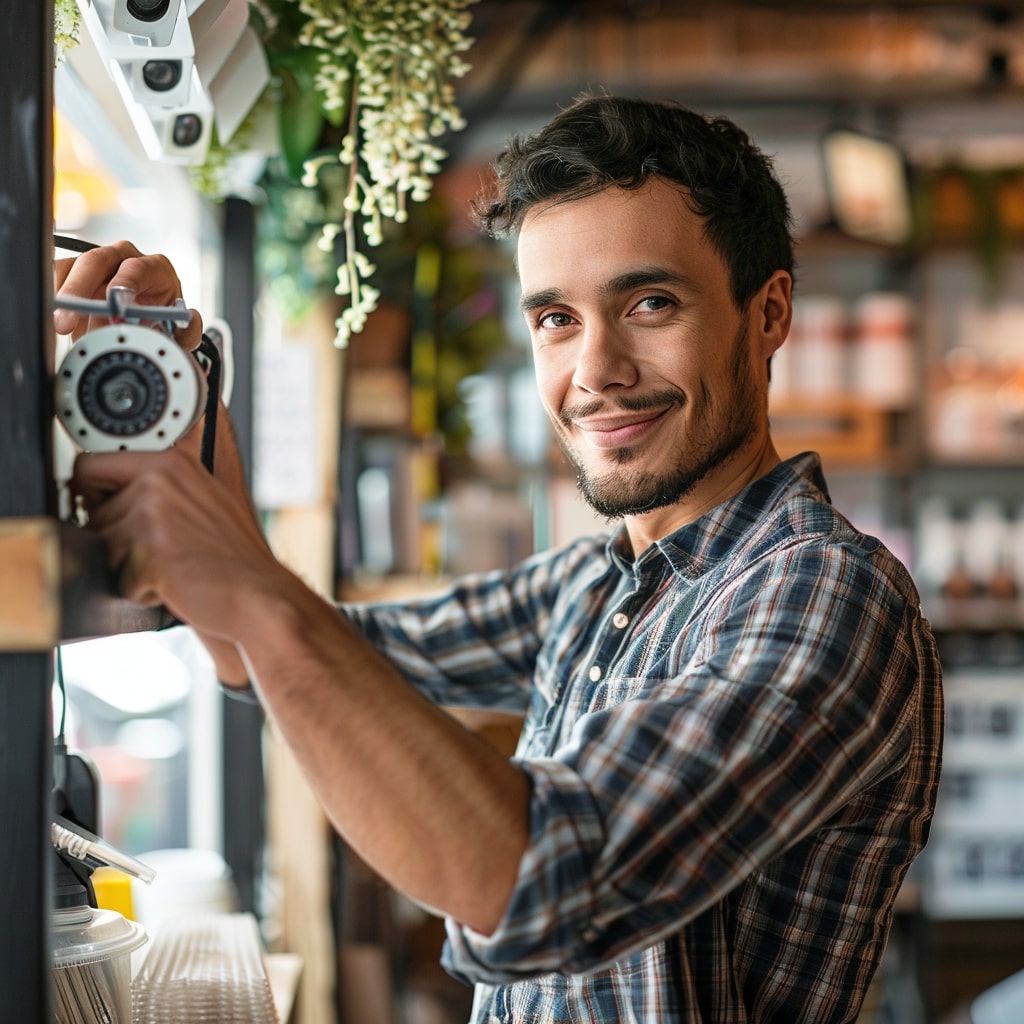
A man is taking a picture of a camera in a coffee shop.

Visibility vs concealment

Traditionally, hidden cameras were deployed with the intent of catching unsuspecting wrongdoers in the act, under the assumption that people would only behave authentically if they believed they were unwatched. However, this approach may no longer be as effective or necessary. 

Visible cameras act as a strong deterrent to criminal activity, making potential perpetrators think twice before committing a crime. Moreover, the presence of cameras can also enhance the sense of security among employees and customers, knowing that their safety is being actively monitored.

See how Solink elevates your security camera system.

The shift towards remote monitoring

The shift towards remote monitoring reflects a broader acceptance of monitoring technologies in everyday life. Solink is at the forefront of integrating cloud video security with business operations, not just for security but also as a tool for loss prevention and gaining valuable business insights. 

This open approach to security acknowledges the reality that transparency can be just as powerful as stealth. By leveraging technology openly, businesses can protect their assets and foster a safer environment without the need for secrecy.

Legal and ethical considerations

It’s crucial to consider the legal and ethical implications of using hidden cameras. In many jurisdictions, there are strict regulations about where cameras can be placed, especially without explicit consent from those being recorded. 

This legal landscape makes it even more challenging to justify the use of hidden cameras when overt surveillance can achieve similar, if not better, outcomes within legal boundaries.

The role of technology in modern security

The evolution of security technology has made traditional hidden cameras less relevant. With advancements in cloud video security, businesses can now monitor their premises in real time, access historical footage with ease, and analyze data for insights into customer behavior and operational efficiency. 

Solink, for example, offers a comprehensive platform that integrates video security with other data sources, providing a multifaceted view of business operations and security.

Connect all of your cameras to Solink

In today’s environment, where the visibility of security measures can be as much a deterrent as the measures themselves, the importance of integrating security systems cannot be overstated. Solink offers a platform that not only enhances the security of your business but also turns your security system into a tool for comprehensive insights and operational efficiency. 

By connecting all of your cameras to Solink, businesses can navigate away from the outdated notion of hidden surveillance and move towards a future where security is transparent, integrated, and aligned with broader business goals. This approach not only ensures a safer environment but also leverages technology to offer valuable business insights, making Solink an indispensable part of modern business operations.
Looking to get more value out of your existing security cameras? See what Solink can do for your business.

Table of Contents

Table of Contents

The security camera landscape is rapidly evolving, and with technological advancements, the traditional DVR box’s relevance is increasingly questioned. Here’s what you need to know about a DVR box for security cameras in 2024.

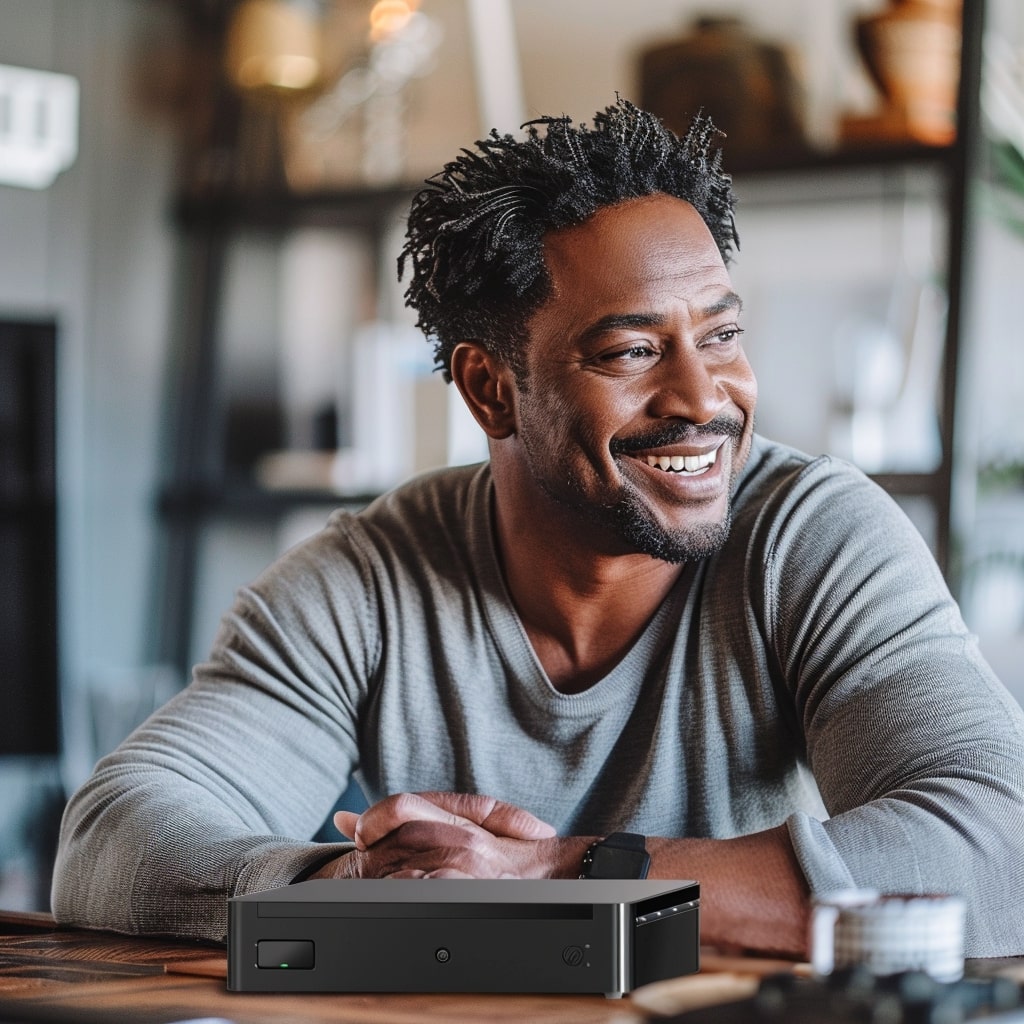
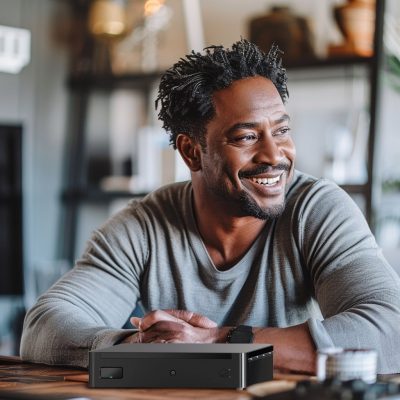
A man sitting at a table with a DVR in front of him.

What is a DVR?

A digital video recorder (DVR) is a device that records video in a digital format to a disk drive, USB flash drive, SD memory card, or other local or networked mass storage device. Initially designed for analog cameras, DVRs convert analog video signals into digital format, allowing for storage and playback. 

These systems are connected to analog cameras using coaxial cables and have been the backbone of security systems for years. They provide a straightforward solution for monitoring and recording video footage, offering various recording qualities and storage capacities.

DVRs are characterized by their dependency on physical connections and hardware. They require a direct connection to cameras and a physical storage medium, typically a hard disk, to save video footage. This setup is both a strength and a limitation, as it offers reliability but also restricts flexibility and scalability.

See how Solink elevates your security camera system.

DVR alternatives

As we navigate through technological advancements, several DVR alternatives have emerged, offering enhanced capabilities and flexibility.

Here are three common DVR alternatives:

  • NVR
  • NAS
  • Cloud video storage

NVR

Network video recorders (NVRs) represent a shift towards digital security, working seamlessly with IP cameras. Unlike DVRs, NVRs receive digital video streams from the network, eliminating the need for direct physical connections to the cameras. This system allows for higher video quality, scalability, and ease of installation. NVRs can be located anywhere within the network, offering greater flexibility in system design and the potential for centralized management across multiple sites.

NVR systems also facilitate remote access, enabling users to view live and recorded footage from any internet-connected device. This adaptability makes NVRs a compelling choice for modern security needs, where accessibility and high-resolution video are paramount.

NAS

Network attached storage (NAS) offers a versatile storage solution, serving as a centralized repository for data across a network. In the context of video security, NAS can store footage from either DVR or NVR systems, providing a scalable and flexible alternative to traditional storage methods. NAS systems are known for their ease of data management and access, supporting efficient video data retrieval and backup solutions.

With NAS, businesses can adjust storage capacity based on their evolving needs, making it an ideal choice for growing organizations that require adaptable and cost-effective storage solutions.

Cloud video storage

Cloud video storage marks a significant evolution in video security, offering a flexible and scalable alternative to traditional storage methods. By storing footage on remote servers, cloud storage allows for easy access to live and recorded video from anywhere, at any time. 

This approach not only eliminates the need for physical storage devices but also offers advanced features like encrypted video for enhanced security, seamless scalability, and the integration of advanced AI video analytics.

Cloud storage solutions, such as those offered by Solink, provide businesses with a comprehensive platform for not just security, but also insights into operations, customer behavior, and more.

Disadvantages of DVR/NVR security camera systems

DVR and NVR systems, while effective for their intended purposes, come with a set of disadvantages that are increasingly significant in the digital age.

  • The limited physical storage capacity requires regular maintenance and upgrades.
  • Dependence on physical connections restricts flexibility in camera placement and system scalability.
  • They are susceptible to physical damage or theft, putting data at risk.
  • Complex installation and maintenance can increase operational costs.
  • Limited remote access capabilities hinder the efficiency of security monitoring.
  • DVR systems offer lower video quality compared to digital alternatives.
  • Expanding the system often requires significant hardware investment, leading to scalability issues.
  • The lack of advanced analytics features limits the potential for operational insights.
  • The energy consumption of physical devices contributes to higher operational costs.
  • DVR systems’ dependence on onsite hardware limits access during offsite events or emergencies.
  • Network limitations for NVR systems can impact video quality and storage capabilities.
  • They are time consuming, making it difficult to perform case management.

Advantages of upgrading to a modern cloud-based security camera system

Upgrading to a cloud-based security camera system presents numerous advantages over traditional DVR/NVR setups.

  • It offers scalable storage capacity that grows with your business.
  • The system enhances security with encrypted video storage and transmission.
  • Remote access to live and recorded video from any internet-connected device is simplified.
  • Real-time alerts and notifications improve security response times.
  • Simplified installation and maintenance reduce operational costs.
  • High video quality and reliability with cloud storage solutions are ensured.
  • Advanced analytics capabilities offer valuable business insights.
  • The ability to quickly find needed footage with motion search.
  • Integration with other business systems enhances operational efficiency.
  • Reduced energy consumption by eliminating the need for onsite storage hardware.
  • Flexibility in camera placement and system design with wireless technology is increased.
  • Future-proof technology ensures compatibility with emerging security innovations.

Solink gets the most out of your security cameras without a DVR

Solink offers a cutting-edge solution that maximizes the potential of your security cameras without the need for a traditional DVR box. By leveraging the power of cloud video security, Solink not only enhances security but also provides valuable insights into business operations, all while offering the flexibility, scalability, and accessibility that modern businesses demand. 

Transitioning to Solink’s cloud-based system represents a smart investment in future-proofing your security infrastructure, ensuring you stay ahead in a rapidly evolving digital landscape.

Want to say goodbye to the expensive DVR replacement cycle? See what Solink can do for you.

Table of Contents

Table of Contents

“Do you need a hard drive for security cameras?” What looks like a simple answer, doesn’t necessarily have a simple solution. While you don’t necessarily need a hard drive, to store video footage you will need a storage device. That can be an NVR, DVR, NAS, cloud video storage, or some combination of them. Here’s what you need to know.

What is a security hard drive? 

A security hard drive is a critical component in a video monitoring system, designed to store video footage captured by security cameras. Unlike regular hard drives, these are optimized for high-write endurance since they often operate 24/7, recording and overwriting data. This reliability ensures that footage is available for review, analysis, and evidence if necessary. The choice of storage solution can significantly impact the system’s performance, cost, and reliability.

Here are some common storage options for video monitoring:

  • NVR (Network Video Recorder)
  • DVR (Digital Video Recorder)
  • NAS (Network Attached Storage)
  • Cloud video storage
  • NAS with cloud video storage

See how Solink elevates your security camera system.

NVR

An NVR (network video recorder) is a specialized storage device used in modern IP camera systems. It records video footage from network cameras and stores it digitally. Unlike traditional DVRs, NVRs receive footage over a network, making them flexible in terms of installation and access. They are ideal for systems where scalability and remote access are priorities.

DVR

A DVR (digital video recorder) is a cornerstone of traditional analog security systems. It converts analog video signals from cameras into digital format, storing them on a hard drive. DVRs are directly connected to cameras using coaxial cables. This setup limits flexibility compared to NVRs but is often valued for its straightforwardness and reliability in smaller, localized systems.

NAS

NAS (network attached storage) offers a versatile storage solution not just for security but for various data storage needs. In the context of video monitoring, a NAS can store footage from cameras networked across a facility. It’s an excellent option for businesses that require large storage capacities and wish to integrate their video monitoring with other data storage needs. Solink Recording Device is a prominent example of NAS types, known for its reliability and scalability.

Cloud video storage

Cloud video storage represents a flexible and scalable solution, allowing footage from security cameras to be stored offsite in the cloud. This approach offers several advantages, including enhanced security from physical tampering, ease of access from any location, and scalable storage options. It’s an excellent choice for businesses looking for cost-effective, scalable, and secure video storage solutions.

NAS with cloud video storage

NAS with cloud video storage combines the reliability of local storage with the flexibility and scalability of cloud solutions. This hybrid approach enables users to store critical footage on a NAS device on-premises, such as those offered by Solink Recording Device, while also backing up or archiving footage to a cloud service. This method provides a robust solution for businesses that prioritize data protection and uptime, ensuring that even in the event of local hardware failure, footage remains accessible and secure in the cloud. It’s a versatile option that offers the best of both worlds: the speed and accessibility of local storage with the security and disaster recovery benefits of cloud storage.

Do you need a hard drive for security cameras?

Deciding whether you need a hard drive for security cameras isn’t straightforward. Security cameras can operate without dedicated storage, providing real-time monitoring capabilities. However, lacking the means to retain video footage significantly reduces the benefits of a security system. Video retention is crucial for reviewing incidents after they occur, gathering evidence, and making informed decisions about security measures. 

Additionally, not all storage solutions for video monitoring rely on traditional hard drives. Alternatives like NVRs, DVRs, NAS systems, and cloud video storage offer various ways to save and access footage. These solutions can provide more flexibility, scalability, and remote access capabilities compared to conventional hard drives. Therefore, while you can use security cameras without a hard drive, doing so limits the system’s effectiveness in enhancing security, providing insights, and ensuring accountability.

Why you need video retention for security cameras

Video retention is an essential component of any effective security camera system. Storing video footage for later playback not only enhances security measures but also provides numerous benefits across various aspects of business and safety management. The ability to review recorded footage allows businesses and security professionals to analyze events after they have occurred, offering insights that real-time monitoring alone cannot provide. This capability is crucial for a wide range of applications, from incident investigation to operational improvements.

Here are the benefits of storing video for later playback:

  • Enhanced loss prevention: Storing video helps in identifying theft patterns and vulnerabilities, providing evidence for investigations.
  • Improved case management: The ability to review incidents aids in understanding what happened, facilitating resolution.
  • Legal compliance: Retaining video footage ensures compliance with industry regulations and standards.
  • Streamlined insurance claims: Concrete evidence from video footage can speed up claims processes and improve outcomes.
  • Safety protocol enhancement: Analyzing past incidents through stored footage helps in preventing future occurrences.
  • Comprehensive premises monitoring: Video retention enables continuous monitoring, even in less accessible areas.
  • Unbiased dispute resolution: Stored video provides unbiased, visual evidence for resolving disputes.
  • Employee training and performance improvement: Real-world examples from video footage aid in employee training.
  • Customer service enhancement: Insights from customer interactions on video can improve staff response to customer needs.
  • Insights into customer behavior: Analyzing stored video footage offers valuable insights for optimizing layouts and service delivery.
  • Optimized merchandising strategies: Heat maps and foot traffic analysis from video data lead to effective product placements and store design.
  • Remote management and oversight: Access to stored footage allows for management from anywhere, at any time.

Solink stores your security camera footage

Solink provides a secure and efficient solution for storing your security camera footage. With advanced cloud-based technology, Solink ensures that your video monitoring data is accessible, safe, and fully leveraged for loss prevention, security insights, and business analytics. Trust Solink to manage your video retention needs, offering peace of mind and valuable business intelligence.

Looking to skip the purchase of expensive video monitoring storage equipment? See what Solink can do for you.

Table of Contents

Table of Contents

“Can I use any DVR with my security cameras?” This question highlights the importance of compatibility and flexibility in today’s security system technologies. As businesses seek more adaptable security solutions, understanding the relationship between DVRs, NVRs, and their alternatives becomes crucial.

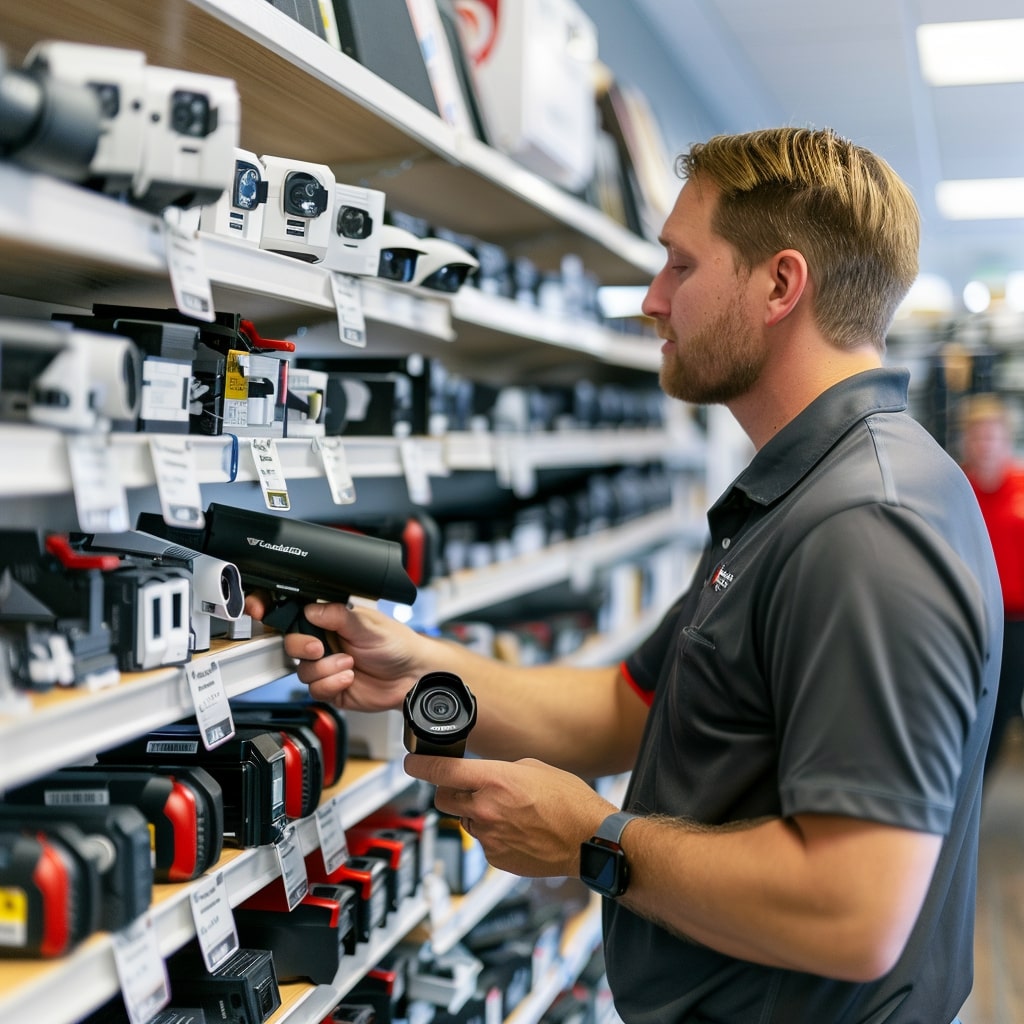
A man in a store looking at camera equipment.

What are DVRs and their alternatives?

The concept of technology agnosticism in security systems is gaining momentum, advocating for compatibility across various hardware and software platforms. This approach liberates businesses from the constraints of single-brand ecosystems, enabling a more versatile and adaptable security infrastructure.

Exploring alternatives to traditional DVRs and NVRs reveals a range of options like NAS (network-attached storage) and cloud video storage. These modern solutions offer scalability and flexibility, sidestepping the physical limitations of conventional hardware. However, each alternative comes with its own set of challenges, necessitating a balanced assessment of their advantages and limitations.

See how Solink elevates your security camera system.

DVR (digital video recorder)

DVR systems, which are primarily used with analog cameras, frequently face compatibility issues that can restrict system flexibility and choice. This limitation highlights the need for a more inclusive approach to security system integration.

NVR (network video recorder)

NVR systems, designed for use with IP cameras, play a crucial role in contemporary security setups. Despite their suitability for modern applications, NVRs still struggle with ensuring compatibility across a broad range of technologies, presenting a challenge for achieving true technology agnosticism.

Technology agnostic development in video monitoring

The push towards technology agnostic development in video monitoring is a testament to the industry’s evolution. This approach champions systems that work seamlessly with various brands and technologies, breaking down the barriers traditionally imposed by proprietary systems. The goal is to ensure long-term flexibility and scalability, enabling businesses to adapt their security setups in response to changing needs and emerging technologies.

However, many companies still choose to make all of their cameras and devices proprietary. This decision leaves certain companies labeled “Hostage as a Service” by influential security journal IVPM.

Technology agnosticism not only enhances system compatibility but also encourages innovation by allowing the integration of the best components from different manufacturers. This openness leads to more robust, efficient, and cost-effective security solutions that can evolve over time without the need for complete system overhauls.

The limitations of traditional DVR/NVR systems

Traditional DVR and NVR systems, while foundational to video monitoring, come with a set of challenges that can impede the operational efficiency and financial flexibility of businesses.

  • Forced upgrades can lead to significant, unplanned capital expenditures.
  • Compatibility issues often limit the choice of cameras and storage solutions, hindering system expansion or upgrades.
  • Vendor lock-in increases dependency on a single manufacturer, which can restrict access to newer, more cost-effective technologies.
  • High maintenance costs for physical hardware can strain operational budgets.
  • Limited storage capacity necessitates frequent, costly hardware upgrades to accommodate growing data volumes.
  • The obsolescence of technology exposes systems to security vulnerabilities and inefficiencies.
  • Integrating new technologies becomes a complex and often costly endeavor due to compatibility constraints.
  • Managing physical servers adds a layer of operational complexity and demands specialized IT skills.

Advantages of Solink

Solink stands out as a pioneering solution that addresses the limitations inherent in traditional DVR/NVR systems, offering a cloud-based alternative that brings numerous advantages.

  • By eliminating the need for physical DVR/NVR hardware, Solink significantly reduces the capital and operational costs associated with traditional systems.
  • Solink’s fully-warrantied storage appliance offers peace of mind, with reduced maintenance concerns and no unexpected expenses.
  • Businesses can free themselves from expensive end-of-life (EOL) cycles, thanks to Solink’s scalable and updatable cloud-based video security system.
  • Enhanced security through cloud-based storage solutions ensures that data is protected against theft, loss, and tampering.
  • Scalable storage options provided by Solink allow for growth without the need for hardware upgrades, making it easier to expand video monitoring capabilities as needed.
  • The system simplifies operations with user-friendly management software, making it accessible to users with varying levels of technical expertise.
  • Seamless integration with a wide range of cameras and existing systems ensures that businesses can leverage their current investments while adopting new technologies.
  • Support for technology agnosticism with Solink means avoiding vendor lock-in, granting businesses the freedom to choose the best hardware and software solutions available.

Solink makes DVRs a thing of the past

Solink’s innovative, cloud-based video security solution marks a significant shift away from traditional DVR/NVR systems. By offering enhanced flexibility, scalability, and security, Solink not only addresses the limitations of physical recorders but also sets a new standard for the industry. Businesses can now enjoy a more adaptable, efficient, and cost-effective security system that grows with their needs, making DVRs a relic of the past.

Want to escape the costly end-of-life DVR cycle? See what Solink can do for you.

Table of Contents

Table of Contents

Selecting the right TV for your security cameras goes beyond just screen size or resolution. Connecting your TV to Solink with an Apple TV transforms it into a powerful monitoring tool, offering unmatched flexibility and efficiency for real-time video security.

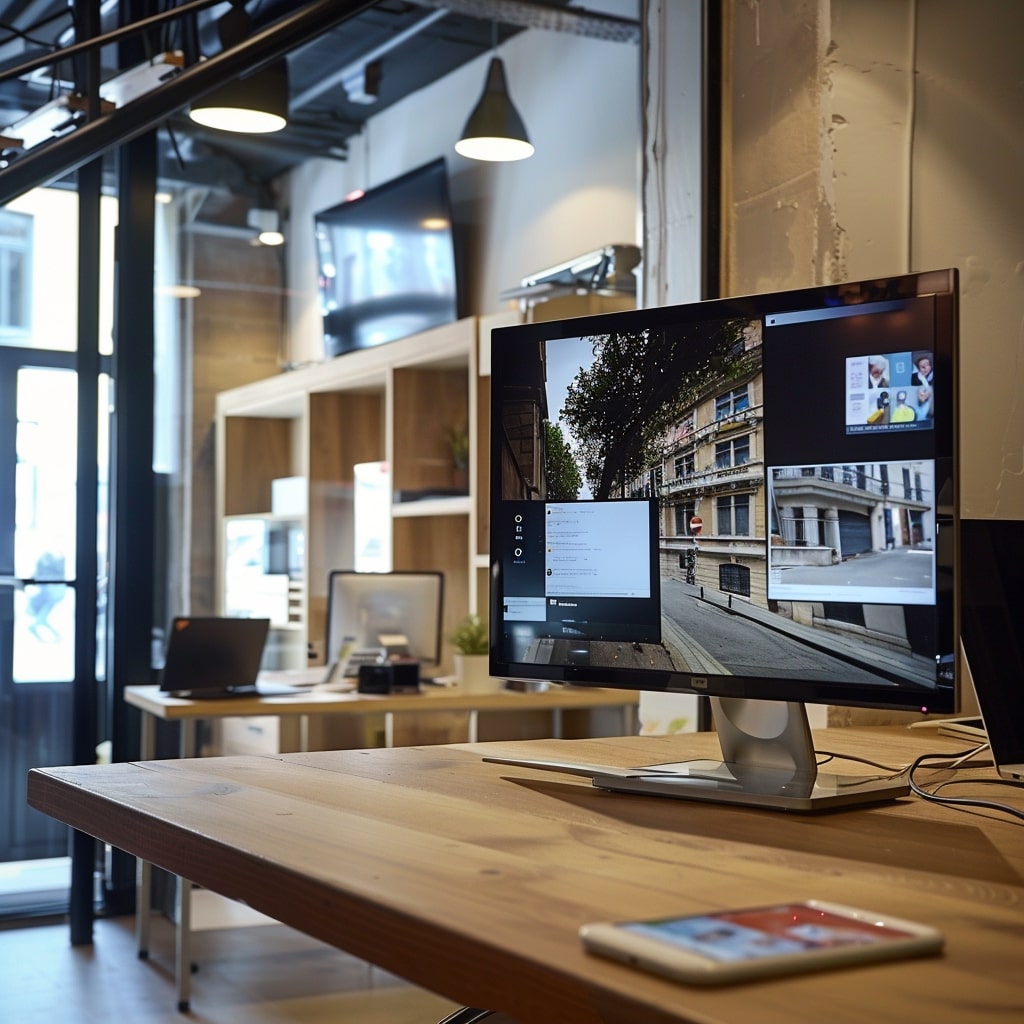
A monitor is sitting on a wooden desk in an office.

Why have a security monitor for your business?

A dedicated security monitor is quintessential for ensuring safety, efficiency, and responsiveness within any organization. It acts as a vigilant guardian, offering continuous video monitoring to preemptively identify and mitigate potential threats. This constant monitoring ensures a safe environment for employees, customers, and visitors, significantly reducing the risk of security breaches. By facilitating real-time visibility into all corners of a premise, it allows organizations to swiftly respond to incidents, thereby maintaining a secure atmosphere.

Moreover, the integration of Solink’s advanced solution with an Apple TV enhances the utility of a dedicated security monitor by streamlining security operations. This combination not only simplifies the management of video feeds from multiple cameras but also improves the efficiency of security personnel by enabling them to focus on critical areas needing immediate attention. The result is a more effective security strategy that leverages technology to bolster responsiveness, demonstrating the indispensable role of a dedicated security monitor in modern security frameworks.

Here are some reasons for using a TV to monitor your security cameras:

  • Viewing your CCTV feeds on an Apple TV provides peace of mind to staff and customers.
  • Security monitors allow for real-time reactions to security incidents.
  • It deters potential thieves and vandals with its visible presence.
  • They help in promptly identifying suspicious activities and individuals.
  • Having a TV with live security streams ensures cleanliness across the premises is maintained.
  • Security TVs uphold customer service standards by monitoring interactions.
  • They can be used to identify safety hazards before they escalate.
  • A TV facilitates the monitoring of multiple locations from one spot.
  • They support loss prevention strategies by keeping an eye on vulnerable areas.
  • The best TV for security cameras enables quick verification of alarms and alerts to reduce false positives.
  • A security monitor turns your office into a security operations center.

See how Solink elevates your security camera system.

Choosing the best TV for security cameras

Selecting a TV with the right features is crucial when connecting to Solink. A large, UHD TV ensures detailed image clarity, crucial for identifying specific details. Connectivity, durability, and reliability are also vital, as the system needs to operate continuously without issues.

Security cables and proper mounting are essential for a secure setup. Choosing a TV with robust security features adds an extra layer of protection to your security system.

The advantages of Solink’s Video Wall

Solink’s Video Wall represents a significant leap forward in the realm of security monitoring, offering an array of benefits designed to enhance the effectiveness and efficiency of security operations. By allowing users to create customizable layouts, it ensures that critical areas are monitored more closely and that attention can be directed precisely where it’s needed most. This level of customization is pivotal for organizations with diverse video security needs, providing the flexibility to adjust viewing configurations in real time. 

Additionally, features like automatic video rotation keep the monitoring dynamic, ensuring that security personnel are not just watching a static bank of screens but are engaged with a constantly updating view of their environment. This not only aids in reducing fatigue among monitoring staff but also enhances the chances of detecting unusual activity.

Moreover, Solink’s Video Wall integrates seamlessly with Apple TV, transforming any television into a sophisticated security monitoring station. This integration brings the advanced capabilities of Solink’s platform directly to the large screen, making it easier for security teams to analyze live footage and respond to incidents quickly. 

The ability to enlarge video feeds that require more detailed examination is another standout feature, providing invaluable during critical analyses or investigations. Through its comprehensive suite of features, Solink’s Video Wall not only simplifies the complex task of security monitoring but also amplifies its effectiveness, offering a robust solution that caters to the nuanced demands of modern security monitoring.

Solink’s Video Wall elevates security monitoring with several benefits:

  • Customizable layouts make focusing on critical areas straightforward.
  • Automatic video rotation keeps monitoring comprehensive.
  • Larger boxes for detailed feeds aid in closer examinations.
  • Integration with Apple TV turns any TV into a smart security tool.
  • It enhances situational awareness and operational response.

Implementation tips for using a TV as a security monitor

Proper setup and maintenance are key to leveraging a TV as a security monitor with Solink. Placement should ensure visibility and security, while regular maintenance checks uphold system reliability.

Remember these tips when setting up a smart TV as a security monitor:

  • Regularly update your TV’s firmware for optimal performance.
  • Utilize high-quality security cables to prevent interference.
  • Conduct regular system checks for any issues.
  • Train staff on using the Solink dashboard effectively.

Solink makes any TV perfect for security cameras

Solink and Apple TV together make any television an ideal monitor for security cameras. This combination not only boosts your monitoring capabilities but also provides a scalable, efficient, and user-friendly security solution.

Want to use your TV to monitor security cameras in real time? See how Solink can help.

Table of Contents

Table of Contents

In this article, we explore the essential features and benefits of the best security cameras for parking lots. With increasing security and safety concerns in parking areas, understanding the key components and functionalities of these systems is crucial for ensuring comprehensive security and protection. From high-resolution cameras to advanced detection technologies, we’ll cover what makes a system effective in mitigating common parking lot risks.

What is a parking lot security camera system?

A parking lot security camera system is designed to monitor parking areas, ensuring the safety of vehicles, property, and individuals. It consists of cameras equipped with features like high resolution, weather resistance, and night vision capabilities for effective video security under various conditions. The system includes a central monitoring platform for real-time viewing and management of video feeds, with remote access for monitoring from any location.

Here’s a list of some of the best security cameras for business, including those designed for parking lots.

Key functionalities such as motion detection, license plate recognition, and wide dynamic range enhance the system’s ability to detect suspicious activities and maintain clear footage in all lighting conditions. Additionally, health checks and hybrid cloud video storage ensure the system’s reliability and data management efficiency. Overall, a parking lot security camera system is vital for addressing common security threats, offering comprehensive coverage and advanced features to protect parking lot users.

See how Solink elevates your security camera system.

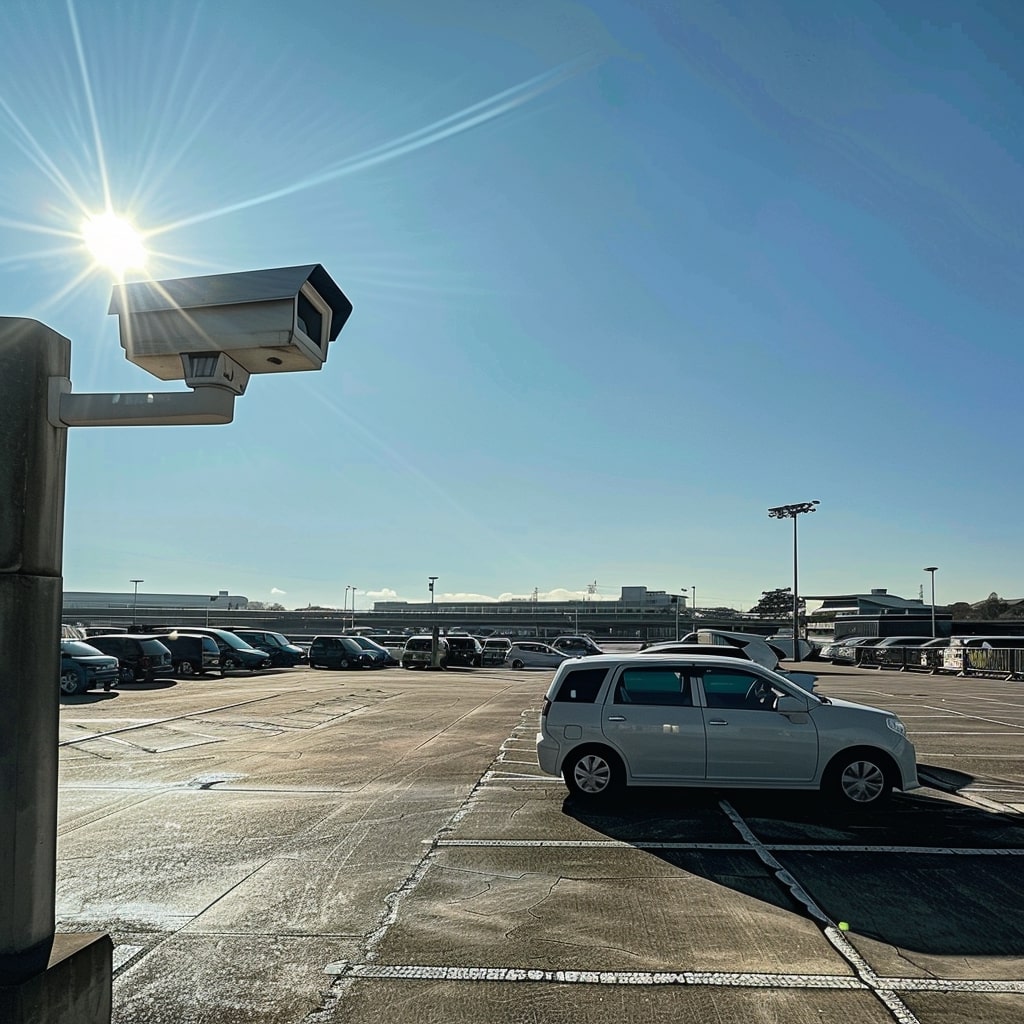
A car parked in a parking lot with a cctv camera.

What are the common parking lot security and safety risks?

Parking lots are essential components of many businesses, shopping centers, and public spaces. Despite their importance, they can be hotspots for various security and safety risks that threaten the well-being of individuals and the security of their property. These areas, often vast and openly accessible, can become stages for criminal activity and accidents if not properly managed and secured.

One of the primary concerns in parking lots is the risk of theft and burglary. Vehicles left unattended for hours present tempting targets for thieves, who may break in to steal valuables or the vehicles themselves. Vandalism is another significant risk, with perpetrators damaging vehicles or property, leading to costly repairs and increased insurance premiums. Assaults and personal safety threats are also heightened in poorly lit, isolated sections of parking lots, where individuals may be more vulnerable to attacks. 

Furthermore, hit-and-run incidents and accidental collisions can occur, especially in crowded or poorly designed parking areas lacking adequate signage and pedestrian pathways. 

Lastly, the risk of unauthorized access or loitering can lead to a range of security challenges, including the potential for illicit activities and the general unease it brings to legitimate users of the space.

The culmination of these risks highlights the necessity for effective security measures and strategies to protect individuals and property in parking lot environments. The following list outlines the common threats encountered in parking lots:

  • Theft and burglary of vehicles
  • Vandalism of vehicles and property
  • Assaults and personal safety threats
  • Hit-and-run incidents and accidental collisions
  • Unauthorized access and loitering

Addressing these threats requires a comprehensive approach to parking lot security, incorporating both physical security measures and technological solutions to create a safer environment for all users.

Key features of parking lot security cameras

Parking lots pose unique security and environmental challenges, necessitating robust and advanced security solutions. These spaces are not only vast and open but also exposed to fluctuating weather conditions and lighting levels. Security cameras must navigate these variables to protect against theft, vandalism, and unauthorized access effectively. The ability to capture clear, detailed images under various conditions is crucial, as is the need for continuous operation and easy access to footage.

To address these demands, the best security cameras for parking lots in 2024 come equipped with key features that ensure comprehensive coverage and reliability:

  1. High resolution and wide focal length
  2. Weather and vandal resistance
  3. License plate recognition
  4. Motion detection
  5. Infrared lights
  6. Wide dynamic range (WDR)
  7. Remote access
  8. Health checks
  9. Hybrid cloud video storage

1. High resolution and wide focal length

High-resolution cameras are vital for capturing clear, detailed images in parking lot environments. The ability to discern features such as license plate numbers, vehicle make and model, and the physical characteristics of individuals can be crucial in the event of a security incident. Coupled with a wide focal length, these cameras ensure a broad coverage area, reducing the number of cameras needed to monitor the entire parking lot and thus optimizing security efficiency.

Wide focal length lenses allow for a greater field of view, which is particularly useful for covering expansive areas like parking lots. This feature means cameras can be placed strategically to maximize area coverage while minimizing blind spots. High-resolution cameras with wide focal lengths are therefore essential for effective parking lot security, providing both the detail needed for identification purposes and the coverage necessary for comprehensive monitoring.

This article on the different types of security cameras for business can help you better understand the terminology throughout.

2. Weather and vandal resistance

Weather and vandal resistance are non-negotiable features for parking lot security cameras. Given their outdoor installation, these cameras must withstand various environmental conditions—rain, snow, extreme temperatures, and even dust. Weather-resistant cameras ensure continuous operation, regardless of the weather, which is critical for maintaining uninterrupted video security of parking lot areas.

Vandal resistance is equally important, as security cameras can be targets for tampering or damage. Cameras designed with robust, tamper-proof casings protect against vandalism, ensuring they remain operational and focused on their video security tasks. Investing in weather and vandal-resistant cameras thus guarantees that the security system remains effective and durable over time, providing reliable monitoring regardless of external conditions.

License plate recognition (LPR) technology is a game-changer for parking lot security, offering the ability to automatically identify and record the license plates of vehicles entering and exiting the lot. This capability is crucial for tracking vehicle movement, managing access, and investigating incidents. LPR can also be integrated with databases to flag stolen vehicles or vehicles of interest, enhancing security measures and response times.

Implementing LPR in parking lot cameras improves operational efficiency by automating vehicle identification and record-keeping. This technology not only aids in the enforcement of parking policies but also significantly enhances the capacity to respond to and investigate security incidents, making it an indispensable feature for modern parking lot security systems.

4. Motion detection

Motion detection technology in parking lot security cameras provides an efficient way to monitor activity without the need for constant manual oversight. By alerting security personnel to movement in specified areas, cameras can focus attention on potential security breaches or unauthorized access, making video security more targeted and effective. This feature is particularly useful during off-hours when activity in the parking lot is minimal, thereby optimizing security resources.

Additionally, motion detection can be configured to ignore routine movements, reducing false alarms and focusing on unusual or suspicious activity. This selective monitoring allows for a more strategic allocation of security resources, ensuring that attention is directed where it’s most needed and enhancing the overall security posture of the parking lot.

5. Infrared lights

Infrared lights in parking lot security cameras ensure that video security is not compromised when natural light is low. This technology allows cameras to capture clear images in complete darkness by illuminating the area with light that is invisible to the human eye but detectable by the camera. The result is high-quality video footage around the clock, crucial for identifying individuals or vehicles involved in security incidents during nighttime.

The use of infrared lights extends the functionality of security cameras into the night, a time when parking lots are particularly vulnerable to theft and vandalism. By maintaining visibility in all lighting conditions, infrared-equipped cameras play a critical role in comprehensive 24/7 surveillance, ensuring that security measures are effective at all times.

6. Wide dynamic range (WDR)

Wide dynamic range (WDR) technology is essential for parking lot cameras due to the varying lighting conditions encountered throughout the day. WDR enables cameras to balance the lighting in a scene, ensuring that details are visible even in areas of high contrast. For example, it allows for the clear capture of license plates on vehicles entering a brightly lit entrance from a darker area, or vice versa.

Cameras equipped with WDR are capable of producing clear footage in scenarios where parts of the field of view are significantly brighter or darker than others. This capability is invaluable in parking lots, where sunlight and shadows can otherwise obscure important details and hinder the effectiveness of video monitoring efforts.

7. Remote access

Remote access capability is a critical feature for parking lot security cameras, offering the flexibility to monitor live footage or review recorded videos from any location. This feature is particularly useful for security teams or business owners who cannot be on-site at all times but need to maintain oversight of their parking areas. Remote access enables the prompt assessment of alerts and incidents, facilitating quicker responses to security breaches.

Moreover, remote access supports the efficient management of security operations, allowing for the adjustment of camera settings or the retrieval of specific footage without needing physical access to the cameras. This level of accessibility and control enhances the overall security strategy, ensuring that video monitoring can be managed effectively from anywhere, at any time.

8. Health checks

Health checks for parking lot security cameras are crucial for ensuring the continuous operation and reliability of the security system. This feature monitors the status of each camera, checking for issues such as power disruptions, lens obstruction, or system malfunctions. By providing real-time alerts to these issues, health checks enable prompt maintenance or repairs, minimizing downtime and ensuring that the parking lot remains under constant video monitoring.

The implementation of health checks in Solink adds a layer of operational assurance, guaranteeing that cameras are functioning as expected and that any potential disruptions to video monitoring are addressed swiftly. This proactive approach to maintenance ensures the highest levels of security effectiveness and reliability.

9. Hybrid cloud video storage

Hybrid cloud video storage combines local and cloud-based storage solutions, offering a flexible and scalable approach to managing security footage from parking lot security cameras. This model allows for immediate, on-site access to recent footage while also leveraging the cloud for long-term storage and redundancy. The benefits include enhanced data protection, disaster recovery capabilities, and the ability to access footage from anywhere, at any time.

Adopting hybrid cloud video storage ensures that parking lot security systems can scale with the needs of the business, accommodating more cameras or longer video retention periods without the need for significant on-site hardware investments. It also facilitates advanced video analytics and search capabilities, making it easier to review and extract insights from the footage, further enhancing parking lot security and operational efficiency.

Solink enhances your parking lot security system

Investing in a high-quality parking lot security camera system is essential for safeguarding vehicles, property, and individuals. The advanced features discussed provide the foundation for a robust security strategy. 

Solink takes this a step further by offering a comprehensive solution that integrates seamlessly with existing systems, enhancing overall security and operational efficiency. With Solink, businesses gain not only top-tier video monitoring capabilities but also valuable insights into their operations, making it an ideal choice for elevating parking lot security.

Want to secure your parking lots? See how Solink can help.

Table of Contents

Table of Contents

A photo of a confident, approachable small business owner standing next to a modern, yet not overly futuristic, security camera system installed in a cozy, well-lit retail shop. The owner is checking the camera feed on a tablet, showcasing a blend of traditional business management with contemporary security solutions. The shop features a variety of products in the background, with a subtle smile on the owner’s face, indicating satisfaction and peace of mind provided by the security system.

What is a security camera system?

A security camera system is a network of cameras and related equipment set up to monitor and record activities in a specific area for the purpose of enhancing security, safety, and oversight. These systems typically include a combination of video cameras, storage devices for recording footage, and a monitoring interface that allows for live viewing and playback of video feeds. 

Modern security camera systems can be wired or wireless, utilize cloud-based storage for accessibility and scalability, and often incorporate advanced features like motion detection, night vision, remote access via mobile apps, and integration with other security measures such as alarm systems and access control. 

By providing real-time video security and historical video evidence, security camera systems play a crucial role in deterring crime, investigating incidents, and improving operational efficiency for both residential and commercial properties.

See how Solink elevates your small business security camera system.

A woman is standing in front of a coffee machine in a coffee shop.

Why Solink is the best security camera system for small business

Choosing the right security camera system is crucial for small businesses, aiming to safeguard their assets, employees, and customers. Solink emerges as the best choice, providing a robust and comprehensive solution. It addresses a wide array of needs with its innovative features and flexible design. This system is built to adapt to various business models, offering everything from advanced analytics to seamless POS integrations. Solink’s commitment to customer success, combined with its technology-agnostic platform, ensures that businesses of all types can enhance their security and gain valuable insights into their operations.

Solink’s appeal lies not just in its advanced technology but also in its user-centric approach. With features like variable retention lengths, remote video monitoring, and customizable alerts for unusual activity, businesses can tailor the system to their specific needs. The all-in-one provider model, offering low-cost security cameras without long-term contracts, ensures affordability and flexibility. Furthermore, Solink’s dedication to innovation, seen in its regular system updates and bandwidth optimization, guarantees that businesses remain at the forefront of security technology. 

Here are some of the reasons why Solink is the preferred choice for small businesses looking for the best security camera system:

  1. Variable retention lengths
  2. Technology agnostic
  3. Remote video monitoring
  4. POS integrations for better loss prevention
  5. Dedicated customer success and training
  6. Camera health checks
  7. All-in-one provider with low-cost security cameras
  8. No term contracts that can be canceled at any time
  9. Heat maps for better merchandising
  10. Motion search to speed up investigations
  11. Save and share clips with law enforcement by email
  12. Event search to uncover employee point of sale theft
  13. Customizable alerts for unusual activity
  14. Cloud storage for easy access and scalability
  15. Multi-location support for businesses with several sites
  16. Unlimited users with variable permissions
  17. Easy-to-use mobile app for access on the go
  18. Advanced analytics for business insights and optimization
  19. Video verification to prevent false alarms
  20. Bandwidth optimization for remote viewing without heavy data usage
  21. Automatic system updates to ensure the latest security features
  22. User-friendly dashboard for quick access to critical information
  23. Access control integration to manage entry points alongside video monitoring

1. Variable retention lengths

Variable retention lengths are crucial for businesses with varying needs for video storage, depending on regulatory requirements or internal policies. Solink excels by offering customizable retention options, allowing businesses to optimize their storage strategy and costs effectively. This flexibility ensures that companies can retain critical footage for as long as necessary, enhancing security and compliance without unnecessary expense.

Solink’s hybrid cloud–local storage option gives small businesses the cost savings of local storage with the ability to retain and access important footage in the cloud forever.

2. Technology agnostic

Being technology agnostic is a significant advantage for small businesses, as it allows Solink to integrate seamlessly with existing hardware and software systems. This means businesses can leverage their current investments in security cameras and other technology, avoiding the need for costly overhauls. Solink’s platform is designed to work with a wide range of devices, ensuring a smooth and cost-effective integration process.

3. Remote video monitoring

Remote video monitoring enables business owners and managers to keep an eye on their operations from anywhere, at any time. Solink offers a robust remote monitoring solution that provides real-time access to video feeds via an easy-to-use mobile app or web platform. This capability is essential for quick response to incidents and maintaining oversight of multiple locations, enhancing overall security and operational efficiency.

4. POS integrations for better loss prevention

POS (Point of Sale) integrations are vital for retail businesses looking to combine transaction data with video monitoring. Solink integrates seamlessly with POS systems, allowing for the correlation of sales data with video footage. This integration helps in quickly identifying discrepancies, reducing POS employee theft, and enhancing loss prevention strategies. Solink’s ability to provide clear insights into POS transactions and associated video evidence sets it apart in helping businesses protect their bottom line.

Effect POS monitoring requires integrated video security.

5. Dedicated customer success and training

Solink stands out by offering dedicated customer success and training programs, ensuring that businesses can fully leverage the system’s capabilities. This support includes personalized training sessions, easily accessible customer service, and resources designed to maximize the value of Solink’s security solutions. By prioritizing customer success, Solink ensures that businesses of all sizes have the knowledge and support needed to effectively manage their security systems.

6. Camera health checks

Camera health checks are essential to ensure the continuous operation of a security system. Solink provides automatic health monitoring for cameras, alerting users to any issues such as camera failures or disconnections. This proactive approach ensures that businesses can address problems promptly, maintaining uninterrupted monitoring and safeguarding against potential security breaches.

7. All-in-one provider with low-cost security cameras

As an all-in-one provider, Solink offers businesses a comprehensive security solution that includes low-cost security cameras, making it accessible for small businesses to secure their premises effectively. This approach eliminates the need for dealing with multiple vendors, simplifying the procurement and installation process. Solink’s competitive pricing and high-quality equipment ensure that businesses do not have to compromise on security due to budget constraints.

8. No term contracts that can be canceled at any time

Flexibility in service agreements is a significant concern for small businesses. Solink addresses this by offering services without long-term contracts, allowing businesses to cancel at any time. This flexibility demonstrates Solink’s confidence in its service quality and commitment to customer satisfaction, providing businesses with a risk-free opportunity to enhance their security measures.

9. Heat maps for better merchandising

Heat maps are a unique feature that Solink offers, utilizing video analytics to show where customers spend the most time within a store. This insight is invaluable for optimizing product placement and store layout, directly impacting sales and customer experience. Solink’s heat maps provide data-driven insights for better merchandising decisions, helping businesses to increase their profitability.

10. Motion search to speed up investigations

Motion search technology allows users to quickly locate specific video segments where movement was detected, dramatically speeding up the investigation process. Solink’s advanced motion search capability filters through hours of footage to find relevant events, such as shoplifting, saving time and resources. This feature is particularly useful for investigating security incidents or operational inefficiencies, showcasing Solink’s commitment to providing practical, user-friendly solutions.

11. Save and share clips with law enforcement by email

The ability to save and share video clips with law enforcement easily is crucial for effective incident response. Solink enables businesses to export and email video clips directly from the platform, facilitating quick and efficient collaboration with law enforcement agencies. This feature not only aids in the faster resolution of security incidents but also strengthens the overall safety and security of the business environment.

12. Event search to uncover employee point of sale theft

Event search functionality is essential for identifying suspicious transactions and potential employee theft at the point of sale. Solink’s event search allows businesses to filter video footage based on specific events, such as voided transactions or refunds, enabling quick identification of irregularities. This targeted search capability is a powerful tool in Solink’s arsenal for helping businesses combat loss and protect their assets.

13. Customizable alerts for unusual activity

Customizable alerts are a cornerstone of effective security and operational management. Solink provides the ability to set up personalized alerts for unusual activities, ensuring that business owners and managers are immediately notified of potential security threats or operational issues. This proactive approach allows for swift action, minimizing risks and enhancing the safety and efficiency of business operations.

Threshold Notifications let you know when your key KPIs are outside your comfort zone.

14. Cloud storage for easy access and scalability

Cloud video storage offers an accessible and scalable solution for video monitoring data management. Solink utilizes cloud technology to provide secure, remote access to footage, facilitating easy scalability as business needs grow. This approach eliminates the need for physical storage infrastructure, reducing costs and complexity while ensuring data is protected and easily retrievable.

15. Multi-location support for businesses with several sites

For businesses operating multiple locations, managing security across all sites can be challenging. Solink offers comprehensive multi-location support, enabling centralized management of video security systems across various sites. This unified approach simplifies security management, ensuring consistency and efficiency in operations, and providing a holistic view of security across the entire business.

16. Unlimited users with variable permissions

Solink accommodates businesses of all sizes by allowing unlimited user accounts with customizable permission settings. This feature ensures that employees can access the system as needed, based on their role and responsibilities, without compromising security. The flexibility to adjust permissions as required supports efficient operations and tightens security protocols.

17. Easy-to-use mobile app for access on the go

In today’s fast-paced business environment, having access to security systems on the go is essential. Solink’s easy-to-use mobile app provides remote access to live and recorded video feeds, alerts, and other critical features. This accessibility ensures that business owners and managers can stay informed and respond quickly to incidents, regardless of their location.

18. Advanced analytics for business insights and optimization

Advanced analytics transform video monitoring data into actionable business insights. Solink leverages cutting-edge AI video analytics to help businesses optimize operations, enhance customer experiences, and improve overall profitability. 

From traffic patterns to conversion rates, Solink provides valuable data that supports strategic decision-making and operational improvements.

19. Video verification to prevent false alarms

Video verification is a critical feature for reducing false alarms and focusing on genuine security threats. Solink Video Alarms Monitoring Service verifies the presence of actual threats before alerting business owners or security personnel. This accuracy in alarm verification helps to avoid unnecessary disruptions, reduces false alarms, and ensures a prompt response to real security incidents.

20. Bandwidth optimization for remote viewing without heavy data usage

Bandwidth optimization is key for remote video monitoring, especially in locations with limited internet connectivity. Solink’s platform is designed to minimize data usage without compromising video quality, ensuring that users can access live and recorded video smoothly and efficiently. This optimization supports reliable remote monitoring and reduces operational costs related to data usage.

21. Automatic system updates to ensure the latest security features

Keeping security systems up-to-date is vital for protecting against emerging threats. Solink provides automatic system updates, ensuring that businesses benefit from the latest security features and enhancements without manual intervention. This commitment to continuous improvement reflects Solink’s dedication to offering a top-tier security solution that adapts to evolving challenges.

22. User-friendly dashboard for quick access to critical information

A user-friendly dashboard is essential for effective system management and quick access to critical information. Solink’s intuitive dashboard design enables users to navigate the platform easily, view live feeds, access historical footage, and manage alerts with minimal effort. This ease of use ensures that businesses can effectively utilize their security system to protect and optimize their operations.

23. Access control integration to manage entry points alongside video monitoring

Integrating access control with video security provides a comprehensive security solution. Solink’s ability to integrate with access control systems enhances security by linking video footage with entry and exit events. This integration offers a complete view of security events, streamlining incident investigation and reinforcing perimeter security.

By offering these advanced features, Solink positions itself as the best security camera system for small businesses, delivering unparalleled security, operational insights, and user convenience.

Get the most out of your small business security camera system with Solink

Solink provides the best security camera system for small businesses, combining innovation, flexibility, and comprehensive support. With its wide range of features and user-centric design, Solink empowers businesses to enhance their security, gain valuable insights, and optimize operations efficiently. Make the smart choice for your business’s security and operational needs with Solink.

Want to get positive ROI from your security cameras? Here’s how Solink makes that happen.

Table of Contents

Table of Contents

Choosing the best security camera for license plates is crucial for enhancing security measures and gaining valuable insights into traffic and customer behavior. This article delves into the technology of license plate recognition, its applications, and how Solink plays a pivotal role in maximizing its effectiveness.

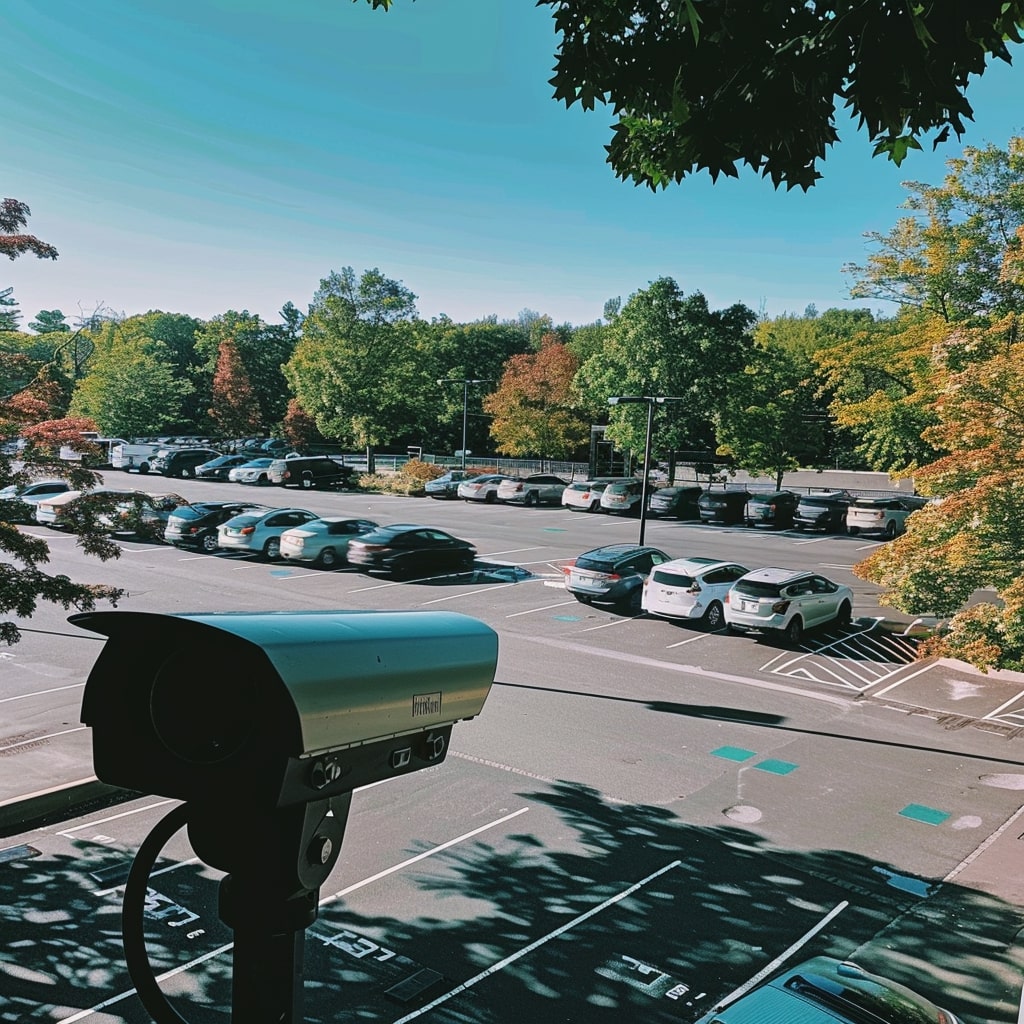
A camera on a parking lot.

What is license plate recognition?

License plate recognition (LPR) is a technology that uses cameras and software to identify and record the license plates of vehicles automatically. It converts the images of license plates captured by the cameras into alphanumeric text, making it possible to track, monitor, and manage vehicles without manual data entry. This technology serves a wide range of applications, from enhancing security to optimizing traffic management and providing critical business insights.

See how Solink elevates your security camera system.

Why should businesses invest in license plate recognition technology?

Investing in license plate recognition (LPR) technology is a strategic move for businesses looking to enhance their security and operational efficiency. LPR systems automate the process of identifying and logging vehicles, leveraging this data for a variety of applications that can significantly benefit businesses across multiple sectors. By integrating advanced LPR solutions like those offered by Solink, businesses can not only secure their premises but also tap into a wealth of data for analytics and insights.

This technology transcends traditional security measures, offering real-time monitoring and data collection capabilities that are invaluable for decision-making and strategy development. The versatility of LPR systems means they can be tailored to meet the unique needs of each business, whether it’s managing a retail parking lot or monitoring traffic flow in a large industrial complex.

Here are some key use cases and benefits of investing in license plate recognition technology:

  • Enhanced security measures: Vehicles entering and exiting premises are automatically identified and logged, maintaining high-security levels.
  • Better drive-thru analytics: LPR and other video monitoring technologies can be used to monitor vehicle dwell times in the drive-thru to increase throughput.
  • Efficient parking management: Parking operations are streamlined through the automation of access for registered vehicles and the monitoring of parking occupancy in real time.
  • Theft prevention: Vehicles associated with known incidents or suspicious activity are quickly identified and responded to.
  • Traffic flow analysis: Data on peak times and traffic patterns is gathered to improve the layout and management of facilities.
  • Automated access control: Touchless entry systems for employees and visitors are implemented by recognizing their vehicles’ license plates.
  • Customer behavior insights: The frequency and duration of visits are analyzed to better understand customer habits and preferences.
  • Law enforcement collaboration: Relevant data can be shared with law enforcement to aid in investigations and enhance public safety.
  • Operational efficiency: The need for manual vehicle checks and data entry is reduced, saving time and resources.
  • Marketing and loyalty programs: Frequent visitors are identified, allowing for the customization of marketing strategies to enhance customer engagement and loyalty.
  • Compliance and regulation enforcement: Compliance with regulations, such as parking time limits or restricted area access, is ensured for vehicles on premises.

Security camera best practices for license plate recognition

Implementing license plate recognition (LPR) technology effectively requires more than just the right software. It also hinges on the strategic selection and placement of security cameras. 

These security camera best practices ensure the capture of clear, usable images of license plates under various conditions. When paired with Solink’s cloud-based video security, businesses can maximize the benefits of LPR, enhancing security and operational efficiency.

Position

The positioning of cameras is critical for successful license plate recognition. Cameras should be installed at a height and angle that directly faces the license plate area of a vehicle. This often means positioning cameras at vehicle entry and exit points, ensuring they are not too high to avoid capturing the tops of vehicles or too low, which might only capture the vehicle’s front or rear without the license plate. The ideal angle ensures that the camera captures the license plate head-on for the best readability.

Camera type

Dedicated LPR cameras are designed to capture vehicle license plates specifically. These cameras can handle high-speed movements and various lighting conditions, including the glare of headlights at night. For environments where vehicles move slowly, such as parking lots or controlled access gates, a broader range of high-definition security cameras may also be effective. 

Since these cameras often need to be installed at a lower height for the best viewing angle, dome cameras may be preferred for protection against vandalism.

Camera quality

High-resolution cameras are essential for LPR to accurately capture the details of license plates. Cameras with at least 1080p resolution are recommended, although higher resolutions, like 4K, provide even greater detail and a higher likelihood of capturing readable plates across different distances and speeds. The ability to adjust settings such as shutter speed and light sensitivity is also crucial for dealing with the challenges of night-time recognition and the headlights’ glare.

Solink enhances LPR technology by integrating it with cloud-based video security. This integration offers several benefits, including the storage and analysis of vast amounts of video data without the need for extensive onsite hardware. Cloud-based systems like Solink allow for real-time monitoring and alerts, ensuring that businesses can respond promptly to security incidents or operational issues. Furthermore, Solink’s platform provides easy access to video footage and data analytics, making it simple to review incidents, optimize operations, and make data-driven decisions.

By following these best practices and leveraging Solink’s cloud-based video security, businesses can implement an effective LPR system. This combination not only boosts security but also enhances the overall operational efficiency, offering a comprehensive solution for modern security challenges.

Use Solink for license plate recognition

Solink provides an exceptional solution for integrating license plate recognition into your security and operational strategies. By combining high-quality camera feeds with advanced cloud-based analysis, Solink enhances both security and business intelligence. This streamlined approach not only secures your premises but also unlocks valuable insights from vehicle data, empowering your business decisions and operational efficiencies. 

Want to speed up investigations with license plate recognition? Solink can help.

Table of Contents

Table of Contents

Determining the best monitor for security cameras involves more than just picking a high-resolution screen. In today’s interconnected world, the ideal “monitor” may not even be a traditional monitor at all. Thanks to innovative solutions like Solink, a variety of devices can serve as effective monitors for security cameras, allowing for real-time business monitoring from anywhere, at any time.

A man looking at a computer screen.

What defines the best monitor for security cameras?

The best monitor for your security cameras isn’t just about the size or resolution of the screen. It’s about flexibility, accessibility, and integration with your security system. In this light, devices such as iPhones, Android phones, desktop computers, Apple TVs, or smart TVs can all be considered top choices. This is because they can utilize Solink’s platform to offer comprehensive video monitoring capabilities.

See how Solink elevates your security camera system.

Expanding the concept of a monitor

The evolution of cloud video security has shifted the paradigm of what constitutes the best monitor for security cameras. Let’s explore how different devices can fulfill this role:

iPhone and Android phones

These smartphones are powerful tools for security monitoring. With Solink’s app, your phone becomes a portable security station, enabling you to receive alerts and check live feeds or recorded footage anytime, anywhere. This makes it an unparalleled choice for those needing constant access to their security system.

Desktop computers

For a stationary setup, desktop computers offer large screens and the ability to multitask, making them ideal for monitoring security cameras. Through Solink’s platform, desktops provide a comprehensive view of security footage, with detailed analytics and the capability to manage multiple feeds simultaneously.

Transforming your living room or conference room into a video monitoring center, Apple TVs and smart TVs can display live feeds from security cameras via Solink’s app. This setup is perfect for team monitoring or when a larger display is needed to view details clearly.

Introducing Solink's capabilities

Solink isn’t just another video security system; it’s a comprehensive platform that turns any compatible device into the best monitor for your security cameras. Here’s how:

  • Accessibility: Access video feeds from any device, ensuring you’re always connected to your security system.
  • Integration: Solink integrates with your existing cameras and digital systems, offering a unified security solution.
  • Real-time alerts: Stay informed with instant notifications for any unusual activity detected by your cameras.
  • Data analytics: Leverage monitoring data to gain insights into business operations and customer behavior.
  • Cloud video storage: Securely store and access your video footage in the cloud, available whenever you need it.

The advantages of redefining the best monitor

Redefining the best monitor for security cameras to include a variety of devices such as smartphones, desktop computers, and smart TVs, thanks to platforms like Solink, significantly broadens the security landscape. This approach not only embraces technological advancements but also aligns with the dynamic needs of modern businesses and individuals seeking comprehensive and flexible security solutions. By expanding the definition, we can leverage the full potential of our connected world, ensuring security systems are more accessible, versatile, and efficient than ever before.

The advantages of this redefinition include:

  • Remote access: Gain the ability to monitor security footage from any location, at any time, ensuring constant video monitoring coverage without geographical limitations.
  • Increased efficiency: Streamline security operations by using devices you’re already familiar with, reducing the learning curve and operational downtime.
  • Customized viewing: Tailor your monitoring setup to fit specific needs and preferences, whether it’s a multi-feed display on a desktop or a single feed on a mobile device.
  • Scalability: Easily add more cameras or integrate additional monitoring devices without significant infrastructure changes, allowing your security system to grow with your needs.
  • Cost savings: Minimize the need for traditional, dedicated security monitors and reduce overall system costs by utilizing existing devices.
  • Improved response time: Receive instant alerts and access live footage on your mobile device, enabling quicker responses to security incidents.
  • Enhanced collaboration: Share live feeds or recorded footage with team members across different devices, facilitating better communication and decision-making.
  • Data-driven insights: Use Solink’s AI video analytics to understand traffic patterns, peak hours, and other operational aspects, turning monitored data into actionable business intelligence.
  • Eco-friendly: Reduce electronic waste by repurposing devices you already own instead of buying new hardware specifically for monitoring.
  • User empowerment: Empower users with the flexibility to choose their preferred monitoring device, enhancing user satisfaction and engagement with the security system.
  • Secure cloud video storage: Benefit from Solink’s secure cloud storage for easy access to historical footage, ensuring evidence is preserved and readily available when needed.
  • Future-proofing: Stay ahead with a system that’s adaptable to future technological advancements, ensuring your security setup remains current and effective.

By embracing this expanded concept of what constitutes the best monitor for security cameras, businesses and individuals can significantly enhance their security posture. Solink plays a pivotal role in this transformation, offering a versatile and powerful platform that caters to the evolving needs of modern monitoring.

Making anything the best monitor with Solink

The best monitor for security cameras is one that offers convenience, flexibility, and comprehensive video monitoring capabilities. With Solink, you can transform virtually any device into a powerful monitoring tool, ensuring your business is secure and you’re always in the know.

Want to monitor your business from anywhere? Solink can help.

Table of Contents

Table of Contents

Exploring the question “Why are security cameras so low quality?” reveals a variety of factors that can impact the performance of security systems. This article discusses several common issues that lower the quality of security camera footage and suggests practical solutions to enhance it.

Understanding security cameras

Security cameras are crucial in video monitoring, safety, and monitoring across various environments. From classic analog cameras, video monitoring has come a long way. The most recent transition is towards cloud-based security cameras.

See how Solink elevates your security camera system.

A man looking at a computer screen.

The importance of security camera image quality

High-quality footage from security cameras is essential for several reasons:

  • Clearer images: This enables easier identification of individuals and activities, crucial for effective video security.
  • Better evidence: High-resolution footage provides more reliable evidence for investigations and legal proceedings.
  • Improved night vision: Enhanced capabilities help in capturing clear images even in low-light conditions, ensuring around-the-clock security.
  • Wider coverage: High-quality cameras, especially models like fisheye, can cover larger areas effectively, reducing the number of cameras needed.
  • Advanced features: Technologies such as facial recognition and license plate reading become significantly more effective with clearer images.
  • Increased deterrence: The presence of visible, high-quality cameras can deter potential threats, enhancing security.
  • Easy integration: High-quality cameras integrate more smoothly with modern security systems, facilitating a cohesive security solution.
  • Remote access: Solink provides access to high-quality footage remotely, ensuring that security monitoring is not confined to a physical location.
  • Reduced false alarms: Accurate motion detection and threat assessment with Solink Video Alarms Monitoring Service minimize unnecessary alerts, saving time and resources.
  • Enhanced zoom capabilities: High-quality cameras maintain image clarity even when zooming in, crucial for detailed examination of footage. Here’s how to adjust the zoom and focus on your CCTV security cameras.
  • Adaptability: Superior cameras perform well under various lighting and weather conditions, ensuring consistent monitoring.
  • Long-term reliability: Investing in higher quality cameras results in a longer lifespan, reducing the need for frequent replacements.
  • Cost-effectiveness: Although initially more expensive, high-quality cameras prove to be more cost-effective over time due to their durability and the reduced need for repairs.

13 reasons behind low-quality security camera footage

Understanding and addressing the factors leading to poor quality footage can significantly enhance your security system:

  1. Lack of regular maintenance
  2. Outdated analog cameras
  3. Recording in standard definition (SD) instead of high definition (HD)
  4. Using digital zoom
  5. Cameras placed too far from focus points
  6. Incorrect camera positioning
  7. Inadequate lighting conditions
  8. Limited field of view
  9. Poor weather resistance
  10. Outdated firmware or software
  11. Inferior lens quality
  12. Inadequate storage and compression
  13. Network issues

1. Lack of regular maintenance

Lack of regular maintenance is a common reason for the poor quality of security camera footage. When cameras are not regularly cleaned or inspected, issues such as lens obstruction, dust accumulation, and outdated software can significantly impair performance. In environments with high levels of dust or exposure to the elements, these problems can exacerbate, leading to blurred or unclear footage which undermines the security system’s effectiveness.

To combat this, implementing a routine maintenance schedule is essential. Solink’s automatic camera health checks offer a proactive solution, alerting users to potential issues like cameras going offline or lens obstruction. This feature ensures that cameras are maintained in optimal condition, preserving the integrity and quality of the security footage.

2. Outdated analog cameras

Outdated analog cameras are often responsible for low-quality footage due to their inherent limitations in resolution and functionality. These cameras, which were once the backbone of security systems, struggle to provide the clarity and detail necessary for modern security needs. 

The transition from analog to digital technology in security systems has highlighted the deficiencies of analog cameras, particularly in environments where detailed image capture is critical.

Upgrading to modern IP cameras can dramatically improve image quality. Solink supports a wide array of camera types, including advanced IP cameras and analog, facilitating seamless upgrades. This compatibility enhances video monitoring capabilities, ensuring that security systems meet contemporary standards for clarity and performance.

However, the reality is that newer cameras will provide clearer images. Here’s what one of Solink’s technology experts recently stated at a quick service restaurant (QSR) conference:

“I was at a large QSR conference last week. The CTO asked everyone to put up their hands if they had upgraded their iPhone in the last year. Most people did. He then asked who had bought new cameras in the last year. Nobody raised their hand. The average store in their network had 10-15 year old cameras. No one wants to spend a couple thousand to upgrade crucial infrastructure in their business, but no one bats their eyes at spending a thousand dollars a year on the newest phone. My rule of thumb is that, for every two new iPhones, you should be buying new cameras.” ~ Anthony Moussignac, Director of Restaurant Sales, Solink

3. Recording in standard definition (SD) instead of high definition (HD)

Recording in standard definition (SD) instead of high definition (HD) greatly impacts the effectiveness of security monitoring. SD footage lacks the detail and clarity needed to identify individuals or actions clearly, making it difficult to use as reliable evidence. In security situations where the accuracy of the footage is paramount, recording in HD can provide the necessary resolution to capture fine details.

Solink addresses this challenge by offering the capability to record in both SD and HD simultaneously. This approach ensures that users have immediate access to footage for quick reviews while retaining the option to examine incidents in greater detail through HD recordings. This dual-feed system provides a balance between accessibility and quality, ensuring that security systems are both efficient and effective.

4. Using digital zoom

Using digital zoom often results in a significant reduction in image quality. Unlike optical zoom, which adjusts the camera’s lens to get a closer view without losing clarity, digital zoom enlarges the image through software, leading to pixelated and grainy footage. This loss of quality can make it difficult to discern important details, such as facial features or license plates, which are crucial for security purposes.

To avoid these issues, it’s advisable to use cameras equipped with optical zoom capabilities or to position cameras closer to key areas of interest. Optical zoom maintains the quality of the footage even when zooming in, ensuring that important details are not lost. This approach enhances the security system’s ability to capture clear and usable footage, regardless of the distance from the subject.

5. Cameras placed too far from focus points

Cameras placed too far from focus points can fail to capture essential details clearly, limiting the effectiveness of the security system. When cameras are positioned at a distance from key areas, identifying faces, reading license plates, or observing detailed activities becomes challenging. This limitation can compromise the security system’s role in monitoring and evidence collection, particularly in areas where detailed video monitoring is necessary.

Placing cameras strategically closer to focus points enhances their ability to capture detailed images. Aligning camera placement with monitoring objectives, such as monitoring entry points, cash registers, or sensitive areas, ensures that footage is relevant and detailed. This careful planning of camera positions maximizes the security system’s effectiveness in capturing critical information.

6. Incorrect camera positioning

Incorrect camera positioning can lead to significant monitoring challenges, including blind spots, glare, and ineffective viewing angles. Cameras that are not optimally positioned may capture footage that is obstructed or backlit, diminishing the quality and usefulness of the footage. For instance, a camera facing directly towards a bright light source can produce footage with glare, obscuring crucial details.

Adjusting camera positions to avoid common pitfalls is essential for effective video security. Optimal positioning aims to maximize coverage while minimizing obstructions and exposure to direct light. By regularly reviewing and adjusting camera angles, users can ensure that their security system provides comprehensive and clear coverage of the monitored areas.

7. Inadequate lighting conditions

Inadequate lighting conditions can severely impact the quality of security camera footage. Cameras operating in low-light environments or facing significant contrasts between bright and dark areas often produce grainy, unclear images. This poor image quality compromises the camera’s ability to capture useful footage, particularly for identification purposes or during nighttime video monitoring.

Improving lighting conditions in monitored areas can significantly enhance image quality. Additionally, investing in cameras designed for superior low-light performance or incorporating technologies like infrared illumination can address these challenges. 

8. Limited field of view

A limited field of view in security cameras means critical areas may go unmonitored. This issue often arises in large spaces where comprehensive video monitoring is needed to track all activities. Without adequate coverage, significant incidents could occur in blind spots, undermining the effectiveness of the security system. 

Expanding the field of view by adding more cameras or opting for models with wider angles can mitigate this challenge. Strategic planning in camera placement is crucial to ensure comprehensive coverage while minimizing the need for excessive equipment.

9. Poor weather resistance

Cameras exposed to harsh weather conditions without proper resistance can suffer from fogging, water spots, and other issues that degrade image quality. This problem is especially prevalent in outdoor setups where cameras are directly exposed to elements such as rain, snow, and extreme temperatures. 

Opting for weather-resistant security cameras and regular maintenance, such as cleaning dome covers and installing protective shields, can greatly enhance durability and performance. Ensuring cameras are equipped to withstand specific environmental conditions is key to maintaining clear and effective security footage.

10. Outdated firmware or software

Running security cameras on outdated firmware or software can introduce a host of problems, from security vulnerabilities to reduced functionality and compatibility issues. These drawbacks can significantly impair the system’s overall performance, leading to lower quality footage and increased risk of cyber threats. 

Regularly updating your business security camera system’s firmware and software ensures you benefit from the latest improvements, security patches, and features. It keeps the security system running smoothly and securely, maximizing the quality and reliability of your security footage.

11. Inferior lens quality

The quality of the lens greatly impacts the clarity and detail of the footage captured by security cameras. Inferior lenses can lead to images that are blurry, distorted, or lacking in contrast, making it difficult to discern important details. Investing in cameras with high-quality lenses is crucial for obtaining clear and detailed footage. 

High-quality lenses provide sharper images, better focus, and more accurate color representation, enhancing the security system’s ability to capture useful evidence and monitor activities effectively.

12. Inadequate storage and compression

Over-compressing video footage to save on storage space can significantly diminish its quality. Heavy compression leads to pixelation and blurring, which can obscure vital details necessary for security analysis. Solink’s approach to dual recording in both SD and HD formats offers a practical solution, balancing the need for efficient storage with the demand for high-quality footage. 

Adequate storage solutions and efficient compression algorithms are essential to preserving the integrity of video footage without compromising its usefulness for security purposes.

13. Network issues

For IP security cameras, network bandwidth and stability are crucial for maintaining high-quality video transmission. Insufficient bandwidth or unstable network connections can result in lower video quality, dropped frames, and even disconnections. 

These issues compromise the security system’s effectiveness by hindering real-time monitoring and recording quality. Ensuring a robust and stable network infrastructure, optimizing bandwidth use, and choosing cameras that efficiently manage data transmission can alleviate these challenges. Keeping the network well-maintained is as critical as the upkeep of the cameras themselves to ensure uninterrupted and high-quality video monitoring.

Use Solink to monitor warehouse employee performance

Solink stands out by significantly enhancing the performance and quality of security cameras. Through its advanced cloud-based platform, Solink addresses common issues like poor image quality, inadequate storage, and the need for regular maintenance. 

By offering features such as dual feed recording, automatic camera health checks, and efficient video compression, Solink ensures that businesses benefit from clearer, more reliable security footage. 

Want to get more out of your security cameras? See what Solink can do to help your business.